TytonIQ Knowledge Base
Introduction
Welcome to the TytonIQ Knowledge Base, your guide to TytonIQ, a secure, cloud-based platform that brings ecological data together in a single, integrated analytics ecosystem. Built on three core packages: Rehabilitation, Condition, and Biodiversity, TytonIQ supports land managers, mining operations, and biodiverse carbon projects with real-time environmental insight. Sitting above it all, the TytonIQ AI Agent connects and interprets data across every module so you can detect trends, uncover risks, and generate reports, from field to boardroom.
What You’ll Find Here
-
Rehabilitation Monitoring – Compare rehabilitation and analogue polygons, track indicators and completion criteria, complete inspection forms, and review results through QA/QC processes, dashboards, and exports.
-
Erosion – Integrate DSM/DTM, slope, and flow accumulation inputs to produce erosion maps, apply thresholds, detect changes over time, and export outputs for GIS.
-
Seeds – Manage species lists, seeds-per-gram values, and viability data; build and configure seed mixes; set application rates; track budgets and costs; and generate treatment reports.
-
Topsoil – Create and manage stockpiles, record volumes and quality attributes, track source/destination movements, allocate stockpiles to rehabilitation areas, and produce compliance-ready reporting.
-
Weeds – Upload survey data and treatment records, import application paths via zipped shapefiles (
.shp/.shx/.dbf/.prj/.cpg), track treatment effectiveness, and configure automated alerts. -
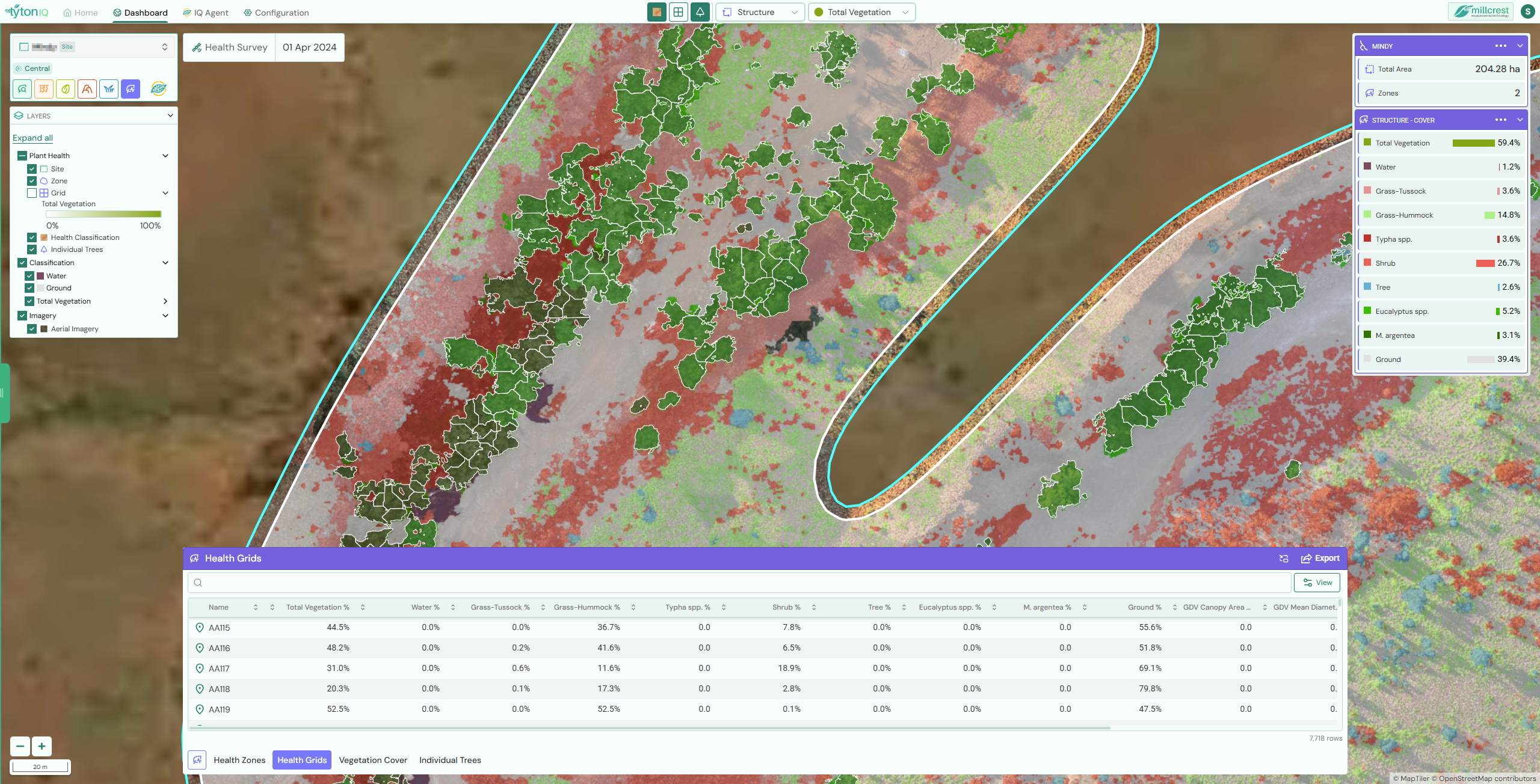
Plant Health – Analyse vegetation using indices (e.g., NDVI, NDRE, MSAVI), define and monitor Health Zones, apply thresholds and trend analysis, and incorporate structure, condition, and allometric data.
-
Automations & AI Agent – Schedule recurring reports and alerts, and query TytonIQ data using natural language to surface risks, trends, and actionable insights across modules.
How to Use This Knowledge Base
- Search for a Topic – Use the search bar to find articles quickly.
- Follow Step-by-Step Guides – Detailed tutorials walk you through each process.
- Explore Related Articles – Links to relevant topics for deeper learning.
- Ask for Support – If you can’t find an answer, reach out to the TytonIQ Support Team.
🚀 Ready to get started? Check out the Rehabilitation Polygons to begin your journey with TytonIQ.